
Ad automation · 11 min read
Amazon Ads API Reporting: Profiles, Auth and Limits
How Amazon Ads API reporting works: authorization with Login with Amazon, profiles and headers, the create, poll and download flow, version 3 versus Reporting v1 and Marketing Stream, limits, throttling and data freshness.
By The Vexio team Published Updated
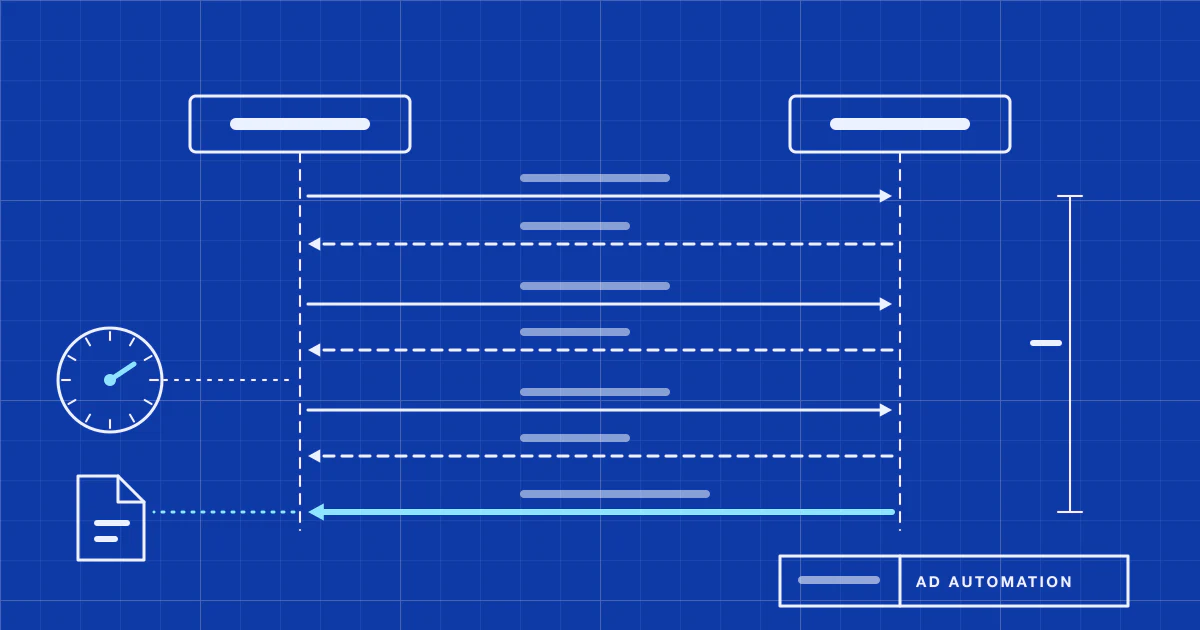
Amazon Ads API reporting in five steps
A report request in the Amazon Ads API follows the same five steps whichever reporting surface you use:
- Get consent. The advertiser authorizes your Login with Amazon (LwA) application. You trade the one-time code for an access token and a refresh token.
- Pick the account. Call
GET /v2/profileson the right regional host and keep the profile ID (or, for some APIs, the account ID). - Create the report. Send a date range, the report type or fields you want, and a format. The response holds a report ID and the status
PENDING. - Poll. Check the report until its status is
COMPLETED. - Download. Fetch the file from the pre-signed link in the response and load it.
Everything below was checked against Amazon’s developer documentation on 2026-10-14 (page names are listed under Sources). Amazon changes these pages often, so treat them as the authority and this article as a map.
How does Amazon Ads API authorization work?
Two parties take part: the advertiser, who grants consent, and a client application registered with Login with Amazon and approved by Amazon Ads for API access (authorization overview). The flow is OAuth 2.0:
- The advertiser opens a consent URL tied to your client ID. Amazon serves it from one of three regional hosts, with the scope
advertising::campaign_managementfor most uses. - Login with Amazon redirects back to your return URL with an authorization code. Exchange it within 5 minutes.
- Post the code, client ID and client secret to the token URL. You receive an access token (valid for 60 minutes) and a refresh token. Amazon states the resulting tokens are valid across all regions.
- Later, post the refresh token to the same token URL to mint new access tokens without asking the advertiser again.
Refresh tokens deserve a calendar entry. Amazon states that tokens issued on or after 30 July 2026 expire 365 days after the advertiser’s consent, while earlier tokens stay valid until revoked (refresh tokens). A lapsed or revoked token returns HTTP 400 with invalid_grant. In a pipeline that looks like a silent data gap unless something alerts on it.
Profiles, headers and regional hosts
A profile is an advertiser account in one marketplace. GET /v2/profiles needs no scope header, returns at most 5,000 items, and lists only profiles in the region of the host you call (profiles). Each profile carries a country code, currency code and time zone. Store them: they decide how to read dates and money in that marketplace’s reports.
The three API hosts are advertising-api.amazon.com (North America), advertising-api-eu.amazon.com (Europe) and advertising-api-fe.amazon.com (Far East). Each covers a defined list of marketplaces (first call guide).
Header names are not uniform across Amazon’s pages. The authorization overview names Amazon-Advertising-API-ClientId; the version 3 tutorial and first-call guide name Amazon-Ads-ClientId. The profile ID goes in Amazon-Advertising-API-Scope, and the account ID in Amazon-Ads-AccountId, which the first-call guide lists for reporting and cross-product operations. Copy header names from the reference page of the endpoint you call, not from another guide.
How do Amazon Ads API v3 reports work?
Version 3 uses one endpoint to create reports, POST /reporting/reports, with the content type application/vnd.createasyncreportrequest.v3+json (get started with version 3 reports). The body names the date range, the ad product, a reportTypeId such as spCampaigns, a groupBy level, the columns you want, a timeUnit of DAILY or SUMMARY, and a format (GZIP_JSON).
Then:
- Poll with
GET /reporting/reports/{reportId}. The status moves fromPENDINGorPROCESSINGtoCOMPLETED. Amazon says generation can take up to three hours. The response also has afailureReasonfield, so log it. - Download from the
urlfield, a link to S3. Decompress the gzip and read JSON.
Three details trip people up:
- You only get the columns you request. Use
datewithDAILY, andstartDateandendDatewithSUMMARY. - A duplicate request with identical parameters while one is outstanding returns status 425, meaning too soon. Wait for the first report.
- Campaign names and budgets belong in an export, joined on the ID, rather than in reports (reporting overview).
Report types, date ranges and retention
Version 3 organizes reports by what you group on: campaign, ad group, ad, targeting, search term, placement, advertised product, purchased product, gross and invalid traffic, and several DSP-specific types, with availability that varies by ad product (report types). Sponsored Products, Sponsored Brands, Sponsored Display, Sponsored Television and DSP each have their own reportTypeId. The Amazon DSP explainer covers what the DSP side measures.
Limits are set per report type. For campaign reports, Amazon lists a maximum date range of 31 days and these retention periods (campaign reports):
| Ad product | Campaign report retention |
|---|---|
| Sponsored Products | 95 days |
| Sponsored Television | 95 days |
| Sponsored Display | 65 days |
| Sponsored Brands | 60 days |
A backfill is therefore a series of requests of at most 31 days each, and history older than the retention window cannot be recovered from the API. Keep what you load.
Reporting API v1: how it differs from v3
Amazon’s version 3 pages carry a notice that the API will be deprecated on 30 June 2027 and point to the Reporting API v1 (Reporting v1 overview, quickstart). The main differences:
- Fields instead of report types. You request dimension and metric fields such as
campaign.id,date.valueandmetric.impressions. Time is a dimension, so a daily report means includingdate.value. - Different endpoints. Create with
POST /adsApi/v1/create/reports, check withPOST /adsApi/v1/retrieve/reports. Statuses arePENDING,PROCESSING,COMPLETEDandFAILED, and Amazon recommends checking about once per minute. - Several accounts per request. One request can name up to five accounts, including manager accounts (helpful concepts).
- Partitioned output.
PARTITIONED_GZIP_JSONandPARTITIONED_CSVsplit a report into parts of up to 1 GB uncompressed, each with its own link (file formats). - Redefined metrics. Conversion metrics lose the 1d, 7d, 14d and 30d suffixes and are reported on the traffic date, not the conversion date. Amazon warns that some DSP metrics now use broader definitions that include halo conversions, so mappings need review.
The v1 pages in Sources do not state a maximum date range or retention window. Check the API reference before sizing backfills.
What is Amazon Marketing Stream?
Amazon Marketing Stream pushes advertising data to AWS instead of making you poll for it. Amazon’s reporting overview describes version 2 as the primary programmatic reporting surface and recommends it for new integrations and recurring reporting at scale (reporting overview).
| Item | Stream version 1 | Stream version 2 |
|---|---|---|
| Destination | Amazon Data Firehose or an SQS queue | S3 bucket you own, plus an SQS notification queue |
| Format | JSON | Apache Parquet |
| Values | Deltas per time window | Total value per time window |
| Frequency | Hourly | Intervals as short as 15 minutes |
| Datasets | Per ad product, such as sp-traffic and sp-conversion |
Unified, such as ads-performance-v1 (hourly) and ads-converted-product-v1 (daily) |
| Status | Shut off after 30 June 2027 | Recommended for new integrations |
Source for the table: Stream overview, datasets and v1 data guide.
Version 2 delivers at least once and with no ordering guarantee. A restated record arrives again as a new version of the same key, and you keep the row with the highest streamBatch.version (data delivery). A new subscription also receives historical data for the dataset’s restatement period. Amazon’s overview says there is no polling or throttling with Stream, and an automated backfill of up to 70 days on subscription creation.
What are the Amazon Ads API rate limits for reports?
Amazon returns HTTP 429 when you send too many requests, with a Retry-After header giving the seconds to wait (rate limiting). Report limits depend on the size of the report queue in each region, so they drop at busy times. Amazon recommends exponential backoff, longer backoff for report generation, and spreading backfills across the day in smaller slices.
For Reporting v1, Amazon documents one running report per advertiser, which it says allows roughly 100 reports per day. A request made while another is running is queued or gets a 429. Practical rules:
- Serialize report requests per advertiser account.
- Honour
Retry-Afterand add jitter to your own backoff. - Persist the report ID as soon as you receive it, so a crash during polling does not create a duplicate request.
- Run backfills in small slices, outside busy hours.
How fresh is Amazon Ads API data?
Amazon states that initial impression and click data for sponsored ads is available through the API within 12 hours, and recommends waiting at least five days for accurate click data, since its invalid traffic system monitors for up to 30 days. Conversion data is refreshed and validated at daily, weekly and monthly intervals and can change for up to 60 days back. Amazon recommends re-retrieving reports monthly (reporting overview).
Loading a day once is therefore not enough. Re-pull a rolling window of recent days on every run and a wider window less often, and merge on a natural key so repeats are harmless. Idempotent ad reporting pipelines covers the load pattern. For how restated attributed sales change a ratio such as ACOS, see ACOS vs TACoS.
Which Amazon Ads API reporting surface fits?
| Need | Fit according to Amazon’s documentation |
|---|---|
| Recurring data at scale, intraday freshness, many accounts | Stream version 2 |
| Ad hoc or scheduled reports with chosen dimensions | Reporting API v1 |
| An existing integration on version 3 | Keep it running and plan the migration before 30 June 2027 |
| Campaign names, budgets, status | Exports, joined on IDs |
Sales, orders and inventory for the seller’s own business come from a different API with different credentials. Selling Partner API vs Amazon Ads API shows how the two fit together, and the Amazon platform page covers the wider Amazon advertising picture. If you are deciding whether to build the extraction at all, marketing ETL explained lays out the moving parts.
Where Vexio fits
Vexio builds and operates Amazon Ads extraction as part of custom advertising data pipeline engagements: authorization and token renewal, report creation and polling with throttle-aware retries, backfills inside the documented limits, a rolling re-pull of recent days, and loading into a warehouse such as BigQuery or PostgreSQL. Which reporting surface to target is settled during scoping, based on freshness needs and your cloud stack. See the advertising data pipelines page or request a demo.
Sources
Checked on 2026-10-14. Amazon Ads API documentation:
- https://advertising.amazon.com/API/docs/en-us/guides/reporting/overview (surfaces, shut-off dates, freshness, v1 concurrency)
- https://advertising.amazon.com/API/docs/en-us/guides/reporting/v3/get-started (v3 create, poll, download, headers, 425)
- https://advertising.amazon.com/API/docs/en-us/guides/reporting/v3/report-types/overview (v3 report type families)
- https://advertising.amazon.com/API/docs/en-us/guides/reporting/v3/report-types/campaign (date range, retention)
- https://advertising.amazon.com/API/docs/en-us/guides/reporting/ads-v1/overview (Reporting v1 changes)
- https://advertising.amazon.com/API/docs/en-us/guides/reporting/ads-v1/quickstart (v1 endpoints and statuses)
- https://advertising.amazon.com/API/docs/en-us/guides/reporting/ads-v1/helpful-concepts (accounts per request)
- https://advertising.amazon.com/API/docs/en-us/guides/reporting/ads-v1/new-features (partitioned formats)
- https://advertising.amazon.com/API/docs/en-us/guides/amazon-marketing-stream/v2/overview (Stream v1 and v2 comparison)
- https://advertising.amazon.com/API/docs/en-us/guides/amazon-marketing-stream/v2/datasets/overview (v2 datasets)
- https://advertising.amazon.com/API/docs/en-us/guides/amazon-marketing-stream/v2/data-delivery (delivery model)
- https://advertising.amazon.com/API/docs/en-us/guides/amazon-marketing-stream/data-guide (v1 datasets)
- https://advertising.amazon.com/API/docs/en-us/guides/account-management/authorization/overview (OAuth flow, headers)
- https://advertising.amazon.com/API/docs/en-us/guides/account-management/authorization/authorization-grants (consent hosts, token URLs)
- https://advertising.amazon.com/API/docs/en-us/guides/account-management/authorization/refresh-tokens (365-day expiry)
- https://advertising.amazon.com/API/docs/en-us/guides/account-management/authorization/profiles (profiles)
- https://advertising.amazon.com/API/docs/en-us/guides/get-started/first-call (regional hosts, headers)
- https://advertising.amazon.com/API/docs/en-us/reference/concepts/rate-limiting (429, Retry-After)